01
Serial numbers typed by hand
One mistake in a long identifier can cost hours of searching later.
Scan a label, confirm the details and move to the next item. SkanerApp saves results on the device, so work continues when coverage disappears.
For warehouses, facilities, service and IT teams that need to know where company equipment is.
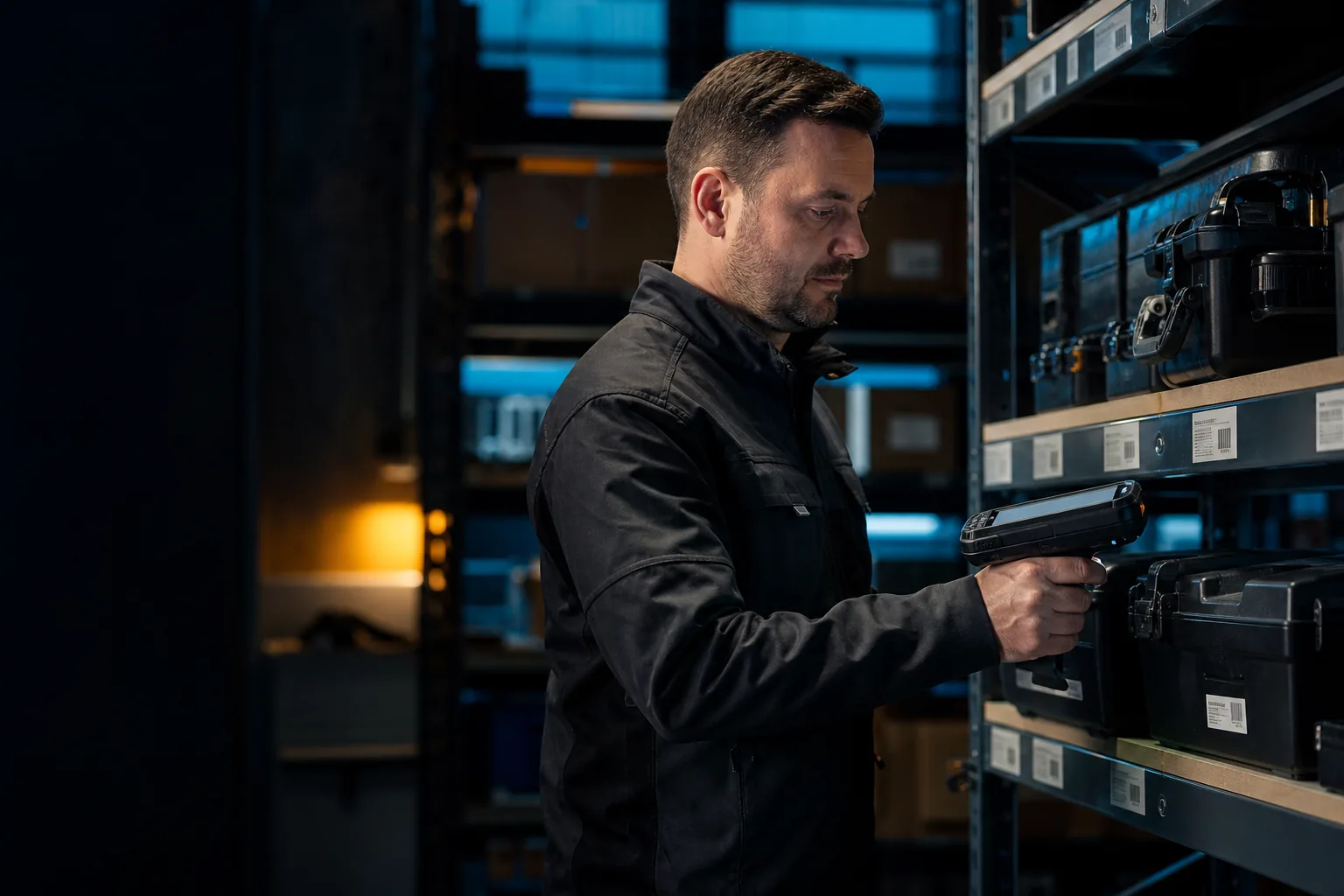
When data lives in several spreadsheets, photos stay on phones and some rooms have poor connectivity, it is hard to close an inventory with confidence.
One mistake in a long identifier can cost hours of searching later.
Basements, halls and remote buildings do not always provide a stable connection.
Multiple files and notes make it difficult to tell who confirmed an item and when.
The app guides each person through a short repeatable flow without requiring technical setup knowledge.
Use the camera, a barcode scanner or a supported RFID reader.
Confirm the location, condition and photo before moving on.
When connectivity returns, the data reaches the team inventory.
Each capability shortens the path from finding an item to reliable information about its condition and location.
Barcodes, QR codes and RFID reduce manual typing and errors.
On-device storage keeps the inventory moving in low-coverage areas.
Photo evidence helps people recognise equipment and assess its condition.
The team can check when data changed and who performed an operation.
Find an asset by number, location, manufacturer or status.
Export organised results for finance, an auditor or a manager.
Split work by location, confirm each item and spot missing equipment sooner.
Record a change of person or location with a date and photo.
See what is available, what needs attention and where equipment was last found.
Scanning reduces the need to retype long identifiers.
Status, location, photo and history provide a fuller view of every asset.
Clear steps help occasional inventory staff become productive quickly.
Leave your details. We will help choose a simple pilot and show the path from the first scan to a useful result.
We will discuss devices, low-coverage locations, your labelling process and the result your team needs.
Share your contact details and we will reply with a concrete next step.
Short and practical answers without technical jargon.
Yes. The app saves work on the device and sends it to the shared inventory when connectivity returns.
No. Start with a camera or barcodes and add RFID readers where they provide a real time saving.
Yes. Choose one location and a representative equipment group to validate the process without a large migration.